
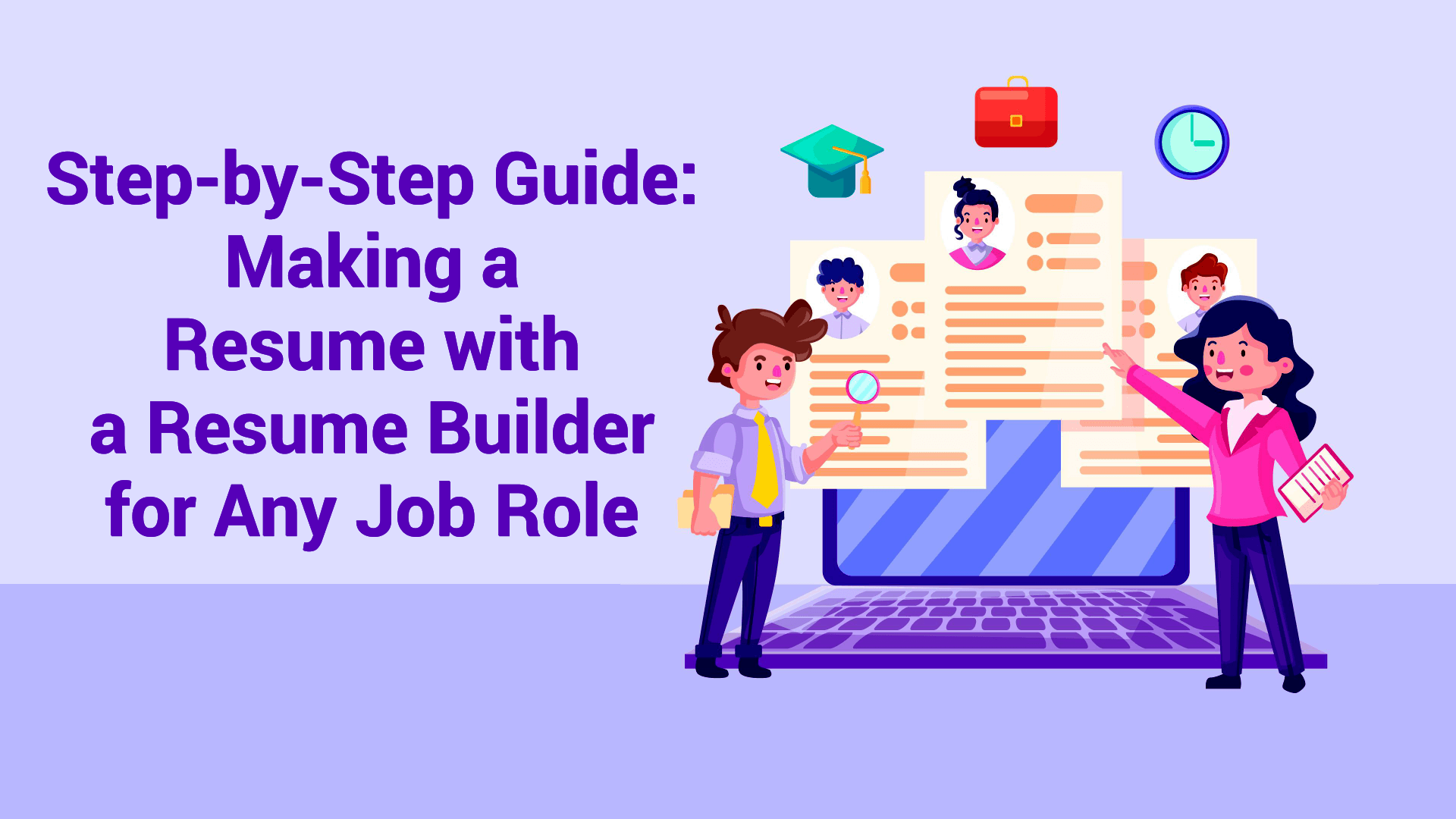
In today’s competitive job market, having a professional resume is essential to stand out and secure your desired position. Whether you are a recent graduate or an experienced professional, crafting the perfect resume that highlights your skills and experiences can significantly boost your chances of getting hired.
Thanks to technology, the process has become easier than ever. With the help of online resume maker tools, you can create a resume quickly and efficiently without needing advanced design skills.
Why Use an Online Resume Builder?
The job application process has evolved, and so has resume creation. Traditional resume writing can be time-consuming, and not everyone has the design skills to make something that looks both sleek and professional. This is where online resume builders come in handy.
Using a resume creator not only saves time but also ensures your resume is professional, polished, and ready to pass through today’s modern hiring systems.
Key Benefits of Online Resume Builders
1. Ease of Use
Resume builders provide simple, user-friendly templates and editing tools. Even if you have no prior design experience, you can still create a professional-looking resume in minutes.
2. Time-Saving
Instead of spending hours formatting your resume manually, you can simply input your details, and the tool will structure everything correctly for you.
3. ATS Compatibility
Most resume builders generate ATS-friendly resumes. This means your resume will successfully pass through Applicant Tracking Systems that employers use to filter candidates.
4. Customization
Need to apply for multiple jobs? Resume builders make it easy to tailor your resume for each specific role without starting from scratch.
5. Access Anywhere
Since these tools are online, you can create, update, and download your resume anytime, anywhere—perfect for today’s mobile workforce.
Next Step: Create Your Powerful Resume
Now that you know the benefits of online resume builders, let’s move on to the step-by-step process of creating a resume that works for any job role.
Step-by-Step Guide to Creating a Professional Resume with an Online Resume Maker
In today’s fast-paced job market, a well-designed resume is your ticket to landing your dream job. Thanks to online resume builders, creating a professional resume has become easier than ever. Follow this step-by-step guide to build a resume that stands out.
Step 1: Choose the Right Online Resume Maker
The first step is selecting a reliable online resume maker. Look for platforms that offer:
A wide variety of professional templates
An easy-to-use interface
Options to download or share in PDF/DOC formats
ATS optimization features
Real resume examples for guidance
You can also explore trusted platforms like Rozgar.com which provide professional tools and resources for job seekers.
Step 2: Gather Your Information
Before starting, collect all essential details:
Personal info (name, contact, LinkedIn)
Career objective or summary
Work experience with responsibilities & achievements
Education details
Skills (hard + soft)
Certifications, awards, or volunteer work
Having this ready makes the process smoother.
Step 3: Select a Professional Resume Template
Choose a clean, structured template that matches the role:
Corporate roles: Minimalist and formal design
Creative jobs: Bold and visually engaging templates
Technical jobs: Simple layouts highlighting skills & achievements
Step 4: Add a Resume Summary or Objective
Begin with a concise introduction:
Experienced candidates: Highlight years of experience, key skills, achievements.
Freshers: Emphasize enthusiasm, eagerness to learn, and career goals
Use job description keywords to make it ATS-friendly.
Step 5: Enter Work Experience Using Action Words
When listing work experience:
Start with the most recent role
Mention job title, company, dates
Use action verbs like Managed, Developed, Improved
Highlight measurable achievements (e.g., “Increased retention by 15%”)
Step 6: Include Educational Qualifications
List degrees in reverse chronological order:
Degree, institution, graduation year
Relevant honors or coursework
Step 7: Showcase Your Skills
Organize your skills into categories:
Hard skills: Software tools, technical expertise, languages
Soft skills: Leadership, teamwork, communication
Use keywords from job postings for ATS optimization.
Step 8: Add Additional Sections
Enhance your resume with:
Certifications (e.g., SHRM, HR Analytics)
Awards & recognitions
Volunteer projects
Publications or notable work
Step 9: Optimize for Applicant Tracking Systems (ATS)
Ensure your resume passes ATS screening:
Use standard headings like “Work Experience”
Avoid tables, graphics, unusual fonts
Insert keywords naturally
Keep formatting simple with bullet points
Step 10: Review, Edit, and Download Your Resume
Final checks before submission:
Proofread for grammar and spelling
Maintain consistent formatting
Get feedback from peers or mentors
Use the resume maker’s preview before downloading in PDF
For more job-ready resources and tools, visit Rozgar.com and start building your professional resume today.
Bonus Tips: Tailoring Your Resume for Different Job Roles
One of the biggest advantages of using an online resume builder is the ability to create multiple versions of your resume for different job applications. A single generic resume may not always capture the recruiter’s attention, but tailoring your resume can significantly boost your chances of getting shortlisted.
How to Tailor Your Resume Effectively:
Customize the summary and skills section according to each job description.
Highlight the most relevant experiences and achievements that match the role.
Use job-specific keywords to pass Applicant Tracking Systems (ATS).
This personalized approach ensures your resume speaks directly to the employer’s needs, giving you a strong edge in today’s competitive job market.
Real Resume Examples for Inspiration
Here are three simple examples of how resumes can be tailored for different roles:
1. Entry-Level Marketing Assistant Resume Example
Summary highlighting internship or project experience.
Skills focused on digital marketing tools like SEO, Google Analytics, and Canva.
Coursework and academic projects related to marketing campaigns.
2. Experienced Software Developer Resume Example
Summary emphasizing years of experience in development and problem-solving.
Work experience with details of technologies, frameworks, and successful projects.
Skills section listing programming languages, cloud platforms, and tools.
3. Teacher Resume Example
Career objective focused on education, student development, and classroom engagement.
Work experience showing expertise in curriculum planning and student mentoring
Certifications or training in teaching methodologies or education technology.
| Latest Category Jobs | ||
|---|---|---|
| Job Information | Apply Job | |
Photography(0-1 years) | ||
Software Engineering-UI/UX Developer(4-7 years) | ||
Software Engineer (Pega CDH)(10-12 years) | ||
SAP S/4HANA PP Functional Consultant(8-10 years) | ||
DevOps SRE(8-10 years) | ||
Zonal Manager(6-7 years) | ||
Conclusion
Creating a professional resume has never been easier with the help of an online resume builder. By following this step-by-step guide, anyone can efficiently create a resume tailored for any job role, ensuring it is ATS-friendly and impactful. Using the right templates, strong keywords, and a clear format will help your resume stand out to both software and hiring managers. Always remember to customize your resume for each application and keep it updated with your latest achievements.
Create Your Free Job Alert
Related Posts
View All
Flexible Work for Progressio...
The modern workplace has undergone adramatic transformationin the past decade, accelerated by technology, globalization, and the pandemic’s push toward remote work.
Today, employees no longer view their careers as a rigid la...
read more Anju Gupta 15 Oct, 2025
Top 20 Digital Marketing Int...
Digital marketing has evolved from being just a supporting business function into acore growth driverfor companies worldwide. From small businesses to multinational corporations,digital strategies shape how brands connect ...
read more Indu Sharma 04 Oct, 2025
Understanding Content Modera...
Every minute, users publish thousands of posts, images, videos, reviews, and messages across digital platforms. That torrent of user-generated content fuels community engagement, commerce, and creat...
read more Indu Sharma 22 Sep, 2025